

Can a 30-minute video call tell you as much as a rink visit?
Short answer: sometimes, if you run the call like a pro scout.
Remote interviews save travel and let you see more prospects, but they fall apart without a clear workflow, solid tech, and hockey-focused questions.
This post lays out a practical seven-step process you can use right now.
You’ll get tech standards, platform tips, ready-made questions for hockey IQ, training habits, and character, plus how to capture a teaser clip and thumbnail.
Read on and you’ll know exactly what to do before, during, and after the call.
Core Workflow for Running Effective Remote Interviews with Hockey Prospects

Remote interviews let scouts evaluate prospects without travel costs or scheduling chaos. You’re setting up days before the call, sending calendar invites, sharing your question list so the player can actually prepare. Day of, you run a quick tech check, record the main conversation, grab a short teaser clip, and wrap with clear next steps. Most sessions land between 20 and 45 minutes. That window covers warm-up, your evaluation questions, and the close.
Before you record anything, send a short video intro of yourself. Builds rapport. Makes those first couple minutes less awkward. Start with a quick off-record chat to confirm audio and video work, settle any nerves. Then you’re into your main block, usually 15 to 35 minutes of back and forth. At the end, capture a 30 to 60 second teaser where the prospect summarizes a key strength or takeaway. Hold the final frame still for a few seconds. That frozen shot becomes your thumbnail, makes it way easier to identify the session later when you’re sorting through a pile of files.
Seven-step remote interview workflow:
- Schedule and confirm. Send the invite link and preferred time slots, don’t forget time zones.
- Brief the prospect. Email your question list and tech requirements three to five days out.
- Send a short intro video. Record a 30 second welcome so they know who you are and what’s coming.
- Run a tech check. Join five to ten minutes early to test audio, video, lighting, framing.
- Record the interview. Warm up for two to five minutes, then hit your 8 to 12 primary questions with follow-ups.
- Capture the teaser and thumbnail. At the end, ask for a short on-camera summary and hold still for a few seconds.
- Deliver files and next steps. Download the recording right away, send a recap email within 48 hours, share your timeline for follow-up.
Technical Setup Standards for Hockey Prospect Video Calls
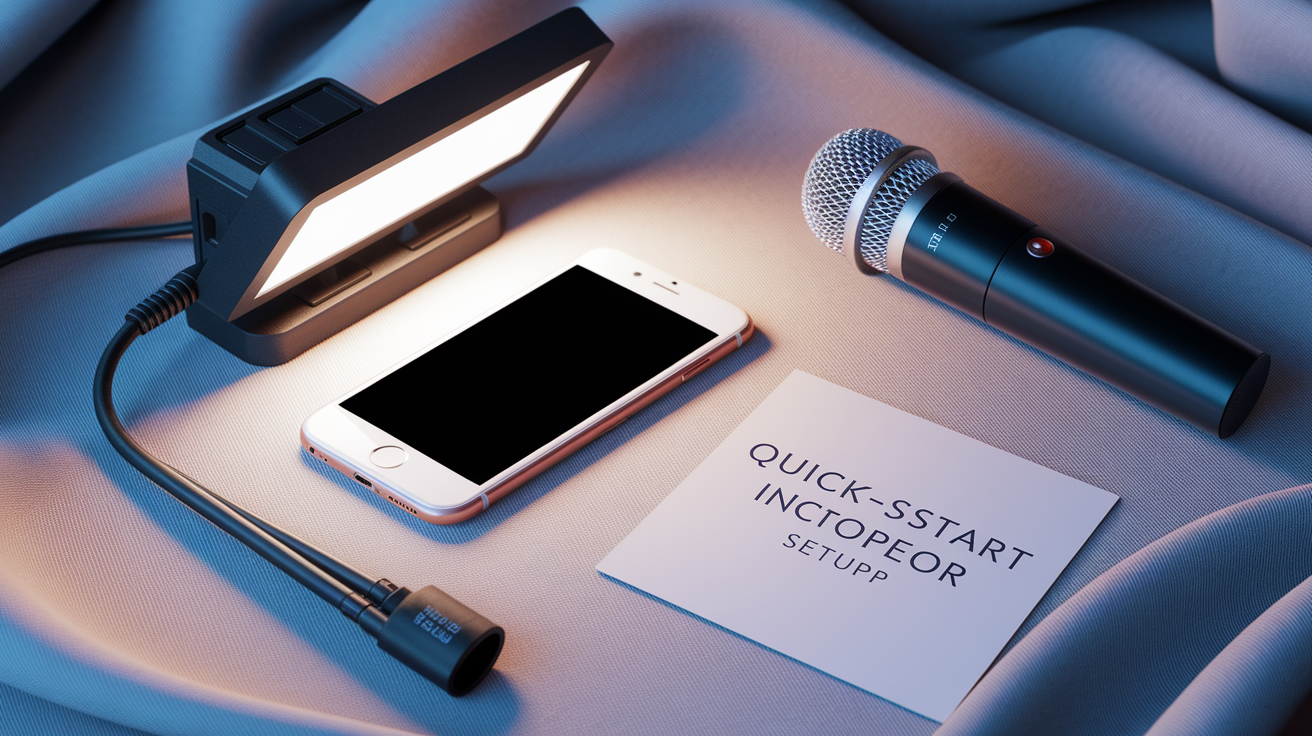
Quality starts with equipment and environment, not just the questions you ask. Smartphones can record up to 4K video. That means a prospect with a recent phone, a quiet room, and decent lighting can deliver footage that looks broadcast-ready. Audio clarity matters even more than resolution. Carpets, curtains, soft furnishings absorb echo. Ask prospects to avoid tile kitchens and empty basements. Frame the shot to show upper torso and face. If the camera cuts off at the chin or sits too far back, you lose the body language and micro-expressions that reveal character and confidence.
You can assemble a reusable equipment kit for under $200. USB lavalier mic runs about $45, decent webcam around $100, portable LED light maybe $50. Ship kits to repeat prospects or keep a loaner inventory if you’re doing frequent calls. When the prospect joins from their own device, tell them to close background apps, silence notifications, mute nearby appliances. Separate recording tracks for host and guest prevent one bad connection from ruining the whole session. Some platforms let you download individual audio and video files for each participant. Preserves quality even when bandwidth gets choppy.
Minimum technical setup:
- Smartphone or laptop camera capable of 720p or higher
- Headset or external microphone to kill echo
- Quiet, furnished room with soft surfaces
- Stable internet or local recording capability
- Lighting that faces the subject, not the camera
| Requirement | Minimum Standard | Recommended Standard |
|---|---|---|
| Video resolution | 720p | 1080p or 4K (smartphone) |
| Lighting | Natural window light facing subject | Dedicated LED panel or ring light |
| Audio input | Headset with inline mic | USB lav mic or XLR mic + interface |
| Camera framing | Face and upper torso visible | Upper torso to mid-chest, eye level or slightly above |
Learn more about lighting and framing best practices in Vidyard’s guide to filming remote interviews.
Choosing the Right Video Platform for Hockey Prospect Interviews
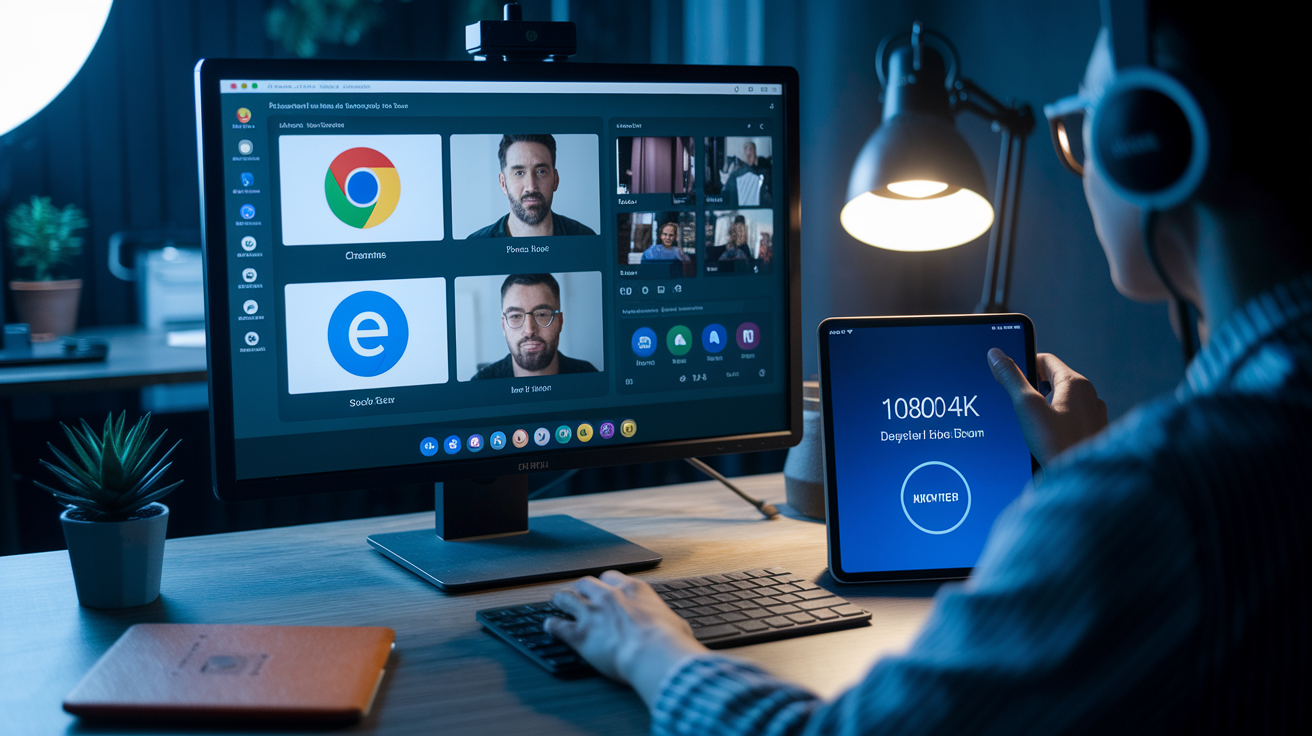
Platform choice comes down to four things you can’t compromise on. Separate audio and video tracks, highest resolution possible, reliability across different devices and browsers, and ease of use for prospects who might not be tech-savvy. Some platforms require a specific browser like Google Chrome. That can block access if the prospect defaults to Safari or Edge. Test your setup ahead of time and confirm the guest can join without installing new software or creating an account.
Local recording and double-ender workflows protect quality when internet bandwidth dips. In a local recording session, each participant’s device records its own track and uploads the file after the call ends. Poor connection during the live conversation won’t wreck the final footage because the recording happens on the device, not over the network. Double-ender setups combine live conversation with local recording. You get natural back and forth dialogue plus high quality separate files for editing. Both methods add a small delay to file delivery but eliminate the choppy audio and pixelated video that ruin remote evaluations.
Platform features you can’t skip:
- Separate local recording for host and guest tracks
- Support for 1080p or 4K video
- Works across major browsers and operating systems
- Session length of at least 60 minutes without interruption
Structuring Hockey-Specific Questions for Remote Prospect Evaluation
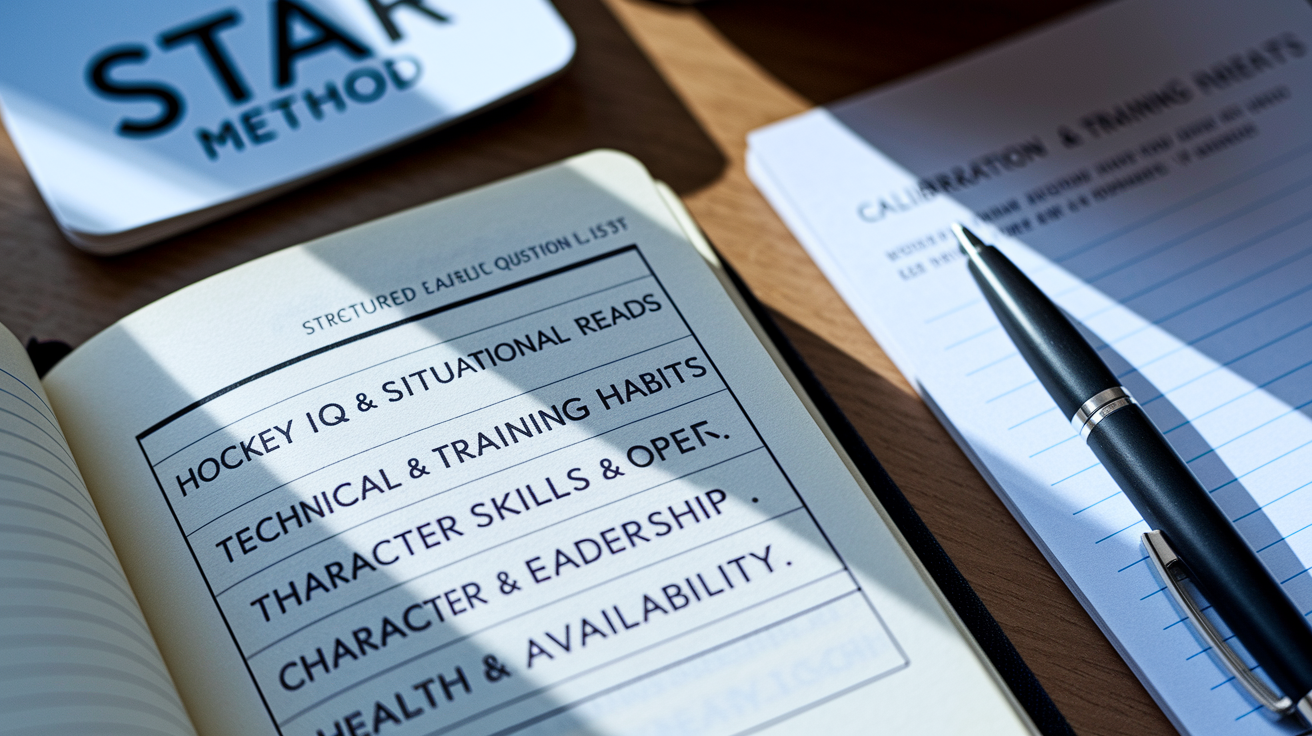
A structured question list keeps the interview focused and makes sure you’re collecting comparable data across prospects. Prepare 8 to 12 primary questions, then add 2 to 4 follow-up probes for each major category. Start with a warm-up to confirm basic info and build rapport. Then move into hockey IQ, technical skills, character, logistics. Each category targets a different piece of the scouting puzzle. Layering them in sequence keeps the conversation flowing without jumping between unrelated topics.
Hockey IQ & Situational Reads
Ask scenario-based questions that make the prospect walk you through decision-making in real time. For example, “Describe your reads on a 2-on-1 rush. What do you look for and how do you decide to pass or shoot?” Or, “If your team is down one goal with five minutes left and you’re on the penalty kill, what’s your approach? Lineup choice, tactics, and why?” These questions reveal how the prospect processes pressure, weighs options, applies system concepts. Listen for specific language like “head up,” “stick on puck,” or “gap control.” Vague answers or clichés often signal limited game understanding.
Technical Skills & Training Habits
Move from situational reads to concrete training habits. Ask, “How many hours per week do you currently skate and train, in-season versus off-season? Give me numbers.” Or, “Walk me through a typical week of on-ice and off-ice work. What does Monday look like, Tuesday, and so on.” Numbers matter because they separate real development routines from wishful thinking. Follow up with equipment choices. “What stick, blade pattern, and tape job do you use, and why?” The reasoning behind their setup tells you whether they experiment and adjust or just copy what they see on social media.
Character, Coachability & Leadership
Use behavior-based prompts to uncover past actions, not just intentions. The STAR method works well here. Situation, Task, Action, Result. For example, “Give me an example of a time you changed your role mid-season. What was the challenge, what did you do, and what was the outcome?” Or, “Tell me about a time you received tough feedback from a coach. What action did you take and what were the concrete results?” Look for ownership, specific dates or events, measurable changes. Deflection, vague timelines, or blaming teammates are red flags.
Health, Availability & Injury History
Close with logistics and medical transparency. Ask, “List any major injuries, surgeries, or rehab you’ve had in the past two years, and tell me your current status. Are you cleared to play?” And, “Are you available for X number of travel dates per month, and do you have a passport or any visa restrictions?” Direct health questions require signed release forms, so confirm consent before recording begins. Note specific dates, return-to-play timelines, any recurring issues. Vague answers about “minor tweaks” often hide significant injury risk.
Six optional probing questions to use as follow-ups:
- “Can you give me a recent example with a date or month?”
- “What was the measurable outcome? Numbers, stats, or feedback you received?”
- “How did your linemates or coaches respond to that decision?”
- “What would you do differently if you faced that situation again?”
- “Who are three references, coach, trainer, teammate, and how can I contact them?”
- “What did you learn about yourself from that experience?”
Evaluating Intangibles and On-Camera Presence in Remote Prospect Calls

Body language and vocal tone often reveal more than words. Direct eye contact with the camera signals engagement and confidence. Frequent downward glances suggest the prospect is reading notes or distracted. Upright posture and a slight forward lean show energy and interest. Slouched shoulders or leaning back typically indicate low energy, disinterest, or discomfort. Micro-expressions, brief flashes of emotion before the prospect adjusts their face, can expose frustration, defensiveness, or dishonesty when discussing mistakes or weaknesses.
Vocal projection and clarity matter as much as content. Consistent volume and minimal filler words like “um” or “uh” indicate preparation and communication strength. Trailing off at the end of sentences or frequent hedging phrases like “I guess” or “kind of” suggest low confidence or incomplete thinking. Listen for consistency between the claim and the tone. If a prospect says they’re a vocal leader but avoids eye contact and speaks softly, the story doesn’t match the delivery. Small talk at the start and a video introduction before the call help you establish a baseline for natural versus nervous behavior.
Five specific on-camera cues to track:
- Eye contact direction: camera gaze versus looking down or away
- Posture shift: engaged lean-in versus slouch or retreat
- Facial micro-expressions: brief flashes before composure returns
- Vocal clarity: projection, filler count, and trailing sentences
- Claim-tone consistency: do leadership claims match vocal confidence and eye contact?
Legal, Consent, and Compliance Requirements for Remote Hockey Interviews

Record explicit consent at the start of every session. State the date, time, and all participants on the recording itself so the consent is preserved in the file. For example, “This is March 15, 2025, at 2 p.m. Eastern. I’m [your name] with [organization], and I’m here with [prospect name]. Do I have your permission to record this interview?” Wait for a clear verbal “yes” before continuing. Written consent forms sent in advance reinforce this step, but on-record verbal confirmation protects you if the written form is later disputed.
For minors, require a parent or guardian signature on the consent form before the call. Verify the signer’s identity and relationship to the prospect, and document the date and method of verification. Medical and injury information requires separate release forms because health data carries additional privacy protections. Keep these forms in secure storage, restrict downloads to authorized staff only, and password protect any file transfers. Different jurisdictions have different recording laws. Some require only one party’s consent, others require all parties. Verify the applicable rules for the prospect’s location and your own.
International prospects add complexity. Confirm whether the prospect needs a visa or work permit if scouting could lead to relocation. Ask about passport validity and any travel restrictions tied to family, legal, or contractual obligations. Store all recordings and transcripts with retention metadata that includes the date, participants, consent record, and scheduled deletion date. Most organizations keep interview files for one to three years, but confirm your league’s or organization’s policy and follow it consistently.
Four compliance essentials:
- Obtain written and on-record verbal consent before recording
- Require parent or guardian signature for all prospects under 18
- Use separate medical release forms for injury and health data
- Verify jurisdiction-specific recording laws and document retention policies
Collecting and Reviewing Footage: Game Clips, Skills Videos, and Highlight Reels
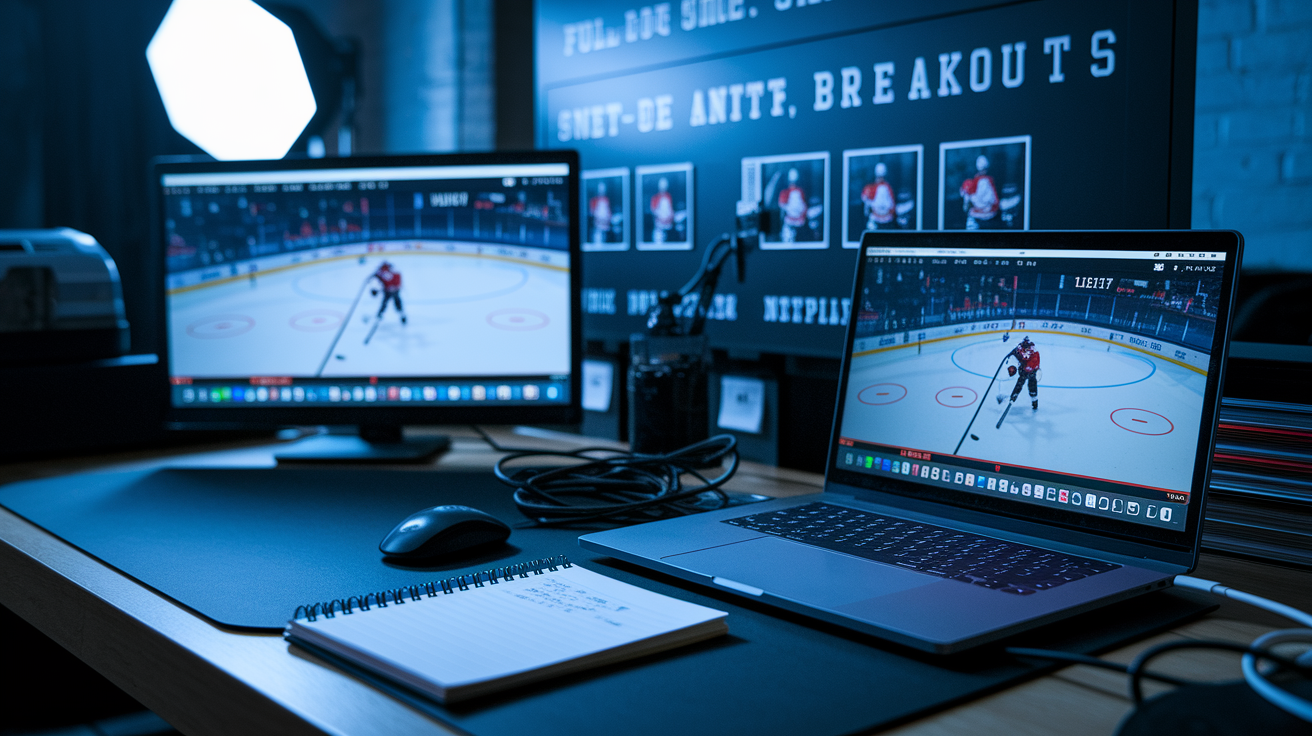
Game footage and self-recorded skills videos fill gaps that live interviews can’t cover. Request recent clips within 48 to 72 hours of the interview so the prospect delivers while the conversation is still fresh. Ask for specific angles. Full-ice, side-angle, and slow-motion replays work best for evaluating skating stride, edge work, and puck skills. Timestamp each clip with game date, opponent, and period so you can cross-reference stats and context. Highlight reels are useful for quick overviews, but raw shifts reveal decision-making under fatigue and pressure better than edited montages.
Remote skills tests can supplement game footage if you provide clear instructions and safety guidelines. For example, ask the prospect to record edge-work drills, stickhandling patterns, or shooting sequences from a stationary camera setup. Specify the angle, distance, and lighting so every submission is comparable. Don’t ask for high-speed or contact drills that increase injury risk when no supervision is present. Slow-motion capability on most smartphones lets you analyze mechanics frame by frame without expensive camera equipment.
| Footage Type | Purpose | Required Angle |
|---|---|---|
| Full-ice game shifts | Decision-making, positioning, compete level | Elevated center ice, full rink visible |
| Side-angle close-up | Skating stride, edge work, crossovers | Side profile, waist to ice, slow motion |
| Net-front battle clips | Strength, hand skills, body positioning | Behind net or corner angle |
| Breakout and transition | First-pass reads, speed, routes | Full ice or blue-line camera |
| Self-recorded skill drills | Stickhandling, shooting mechanics, footwork | Stationary tripod, 10–15 feet, eye level |
Find additional recording quality and self-record best practices in Waveroom’s guide to recording remote video interviews.
Standardized Scoring Systems to Compare Hockey Prospects from Remote Interviews

A weighted scoring rubric converts subjective impressions into comparable numbers. Use a 0-to-100 scale built from category weights that reflect your organization’s priorities. For example, assign 30 percent to skating and skills, 25 percent to hockey IQ and decision-making, 15 percent to character and leadership, 15 percent to communication and media fit, and 10 percent to coachability and system fit. Each category receives a 1-to-5 score during the interview, then the weighted formula produces a total.
Keep timestamped clips and a one to two page summary memo for each prospect. Deliver the memo within 48 to 72 hours so details stay accurate and the evaluation remains fresh for collaborative review. When audio or video quality is poor, choppy connection, bad lighting, or background noise, reduce the confidence level of the score and note the technical limitation. For example, mark the evaluation as “medium confidence” and request a follow-up call or in-person visit before making a final decision. Normalizing scores across multiple scouts requires clear category definitions and regular calibration sessions where the team reviews the same clips and compares ratings.
Six core rating categories:
- Skating & Skills (30% weight): stride mechanics, speed, edge work, puck skills
- Hockey IQ & Decision-Making (25% weight): reads, system understanding, situational choices
- Character & Leadership (15% weight): accountability, team-first actions, conflict resolution
- Communication & Media Fit (15% weight): clarity, presence, ability to explain concepts
- Coachability & Fit (10% weight): response to feedback, willingness to adapt, role flexibility
- Health & Availability (5% weight): injury history, current status, travel and schedule flexibility
| Weight | Category | Notes |
|---|---|---|
| 30% | Skating & Skills | Evaluate via game clips and side-angle footage |
| 25% | Hockey IQ & Decision-Making | Use scenario questions and shift breakdowns |
| 15% | Character & Leadership | STAR method examples, references, team feedback |
| 15% | Communication & Media Fit | On-camera presence, clarity, professional tone |
Secure Storage, File Transfer, and Data Retention for Prospect Interviews

Store every recording with retention metadata that includes the session date, participant names, consent record, and scheduled deletion date. Restrict file downloads to authorized scouts and coaching staff, and use password-protected links when transferring large video files. Some platforms allow you to download separate tracks for each participant. Simplifies editing and preserves quality when one connection was unstable. Timestamp key clips during review so you can jump directly to important moments without re-watching the entire session.
Produce a summary memo within 48 to 72 hours. Include the prospect’s name, date of interview, overall score, category breakdowns, timestamped highlights, and next-step recommendations. Follow-up call, in-person visit, reference checks, or pass. Archive both the raw recording and the edited clips in a centralized database so other evaluators can review and comment. Set calendar reminders to delete files according to your retention policy, typically one to three years after the prospect signs, declines an offer, or ages out of consideration.
Four retention and tagging practices:
- Tag each file with date, participant names, consent status, and retention deadline
- Use timestamped clips to mark key answers, body-language moments, and red flags
- Maintain separate folders for raw recordings, edited highlights, and summary memos
- Password protect all transfers and restrict access to named personnel only
Troubleshooting Technical Issues During Remote Interviews with Hockey Prospects

When internet is unstable, rely on local recordings or ask the prospect to self-record and upload the file after the call. Most platforms save local tracks on each device and upload them a few seconds after the session ends, so wait before closing the window. If the prospect’s browser is incompatible, some tools only work in Google Chrome, provide an alternate workflow. Record phone video and separate phone audio, then transfer both files via cloud storage or secure file link.
Confirm that the prospect’s microphone and headphones are connected before you hit record. Background apps and notifications can cause lag or interrupt the recording, so ask the prospect to close email, messaging, and streaming apps. If audio levels are inconsistent across tracks, use gain automation in your editing software to balance volume. When video resolution drops mid-call, note the timestamp and request a re-record of that segment if the quality is unusable.
Five common troubleshooting steps:
- If connection drops, switch to local-only recording and re-sync after the call
- If browser incompatibility blocks the call, use phone self-record with external mic
- Wait a few seconds after stopping the recording to let files upload completely
- Close background apps, mute notifications, and restart devices before the session
- Test mic and headphone connections in a pre-call tech check, not during the interview
Collaborative Review and Final Decision-Making After Remote Prospect Interviews
After the interview, host all recordings and memos in a central location where coaches and scouts can comment, clip, and compare. Centralized review systems let multiple evaluators watch the same footage, add time-stamped notes, and discuss discrepancies in real time. Some organizations use shared drives with annotation tools, while others rely on video platforms that support threaded comments and clip sharing. The goal is to move from individual impressions to team consensus without losing the detailed observations each scout contributes.
Produce a short scouting memo within 48 to 72 hours. Include the overall weighted score, category breakdowns, timestamped highlights of key answers or body-language moments, and a clear recommendation. Advance to the next round, schedule an in-person visit, conduct reference checks, or pass. Capture a 30 to 60 second teaser clip that summarizes the prospect’s strengths or a memorable quote. These short clips speed up comparisons when the coaching staff reviews a stack of candidates in a single meeting. Normalize scores across scouts by running regular calibration sessions where the team reviews the same interview and compares ratings to identify scoring drift or category-definition gaps.
Examples of centralized production workflows appear in stories like The Video Call Center’s support of Hockey Day Minnesota remote interviews, where call producers integrated multiple feeds and delivered polished segments to broadcast. Scouts can apply the same logic by using a central operator or automated platform to combine host and prospect feeds, switch between speakers, and export clean clips for review. Additional editing and hosting strategies are outlined in Vidyard’s guide to conducting remote interviews, which covers clip reuse, captions for accessibility, and centralized sharing for team decisions.
Five steps in the post-interview pipeline:
- Download and archive raw files immediately after the call ends, including separate tracks when available.
- Produce a 1–2 page memo within 48–72 hours with scores, timestamped clips, and next-step recommendations.
- Upload clips and memos to a shared platform where coaches can comment and compare prospects.
- Run calibration sessions regularly to align scoring definitions and reduce evaluator drift.
- Schedule follow-up actions, reference calls, in-person visits, or additional footage requests, based on team consensus and risk assessments.
Final Words
You’re mid-call: camera’s on, warm-up finished, and you just asked a 2-on-1 read.
This post mapped the full process. It covers a clear workflow, tech minimums, platform choices, hockey-specific question sets, how to read on-camera intangibles, consent and footage rules, scoring rubrics, secure storage, and troubleshooting. Each piece gives steps and checklists so scouts and coaches run consistent, fair remote evaluations.
Use this guide to streamline how to conduct remote video interviews with hockey prospects, leading to cleaner footage, clearer notes, and better decisions. Start with the checklist, practice a few mock calls, and you’ll be ready.
FAQ
Q: How to prepare for a virtual video interview?
A: Preparing for a virtual video interview means testing camera, mic, lighting, and internet, asking for or sharing an agenda, and knowing online calls usually run 20-45 minutes with a 2-5 minute warm-up before the main interview.
Q: How to stand out in a remote interview?
A: Standing out in a remote interview requires steady camera eye contact, clear audio and tidy background, concise hockey-specific examples, a short one-minute teaser or highlight, and a prompt follow-up email with timestamped clips.